Model library
Register model files, manage downloads and keep variants and capability information organized.

Helm NodeLocal inference management
Manage your local AI workloads from a calm, focused workspace. Your models, runtimes and connections, together.
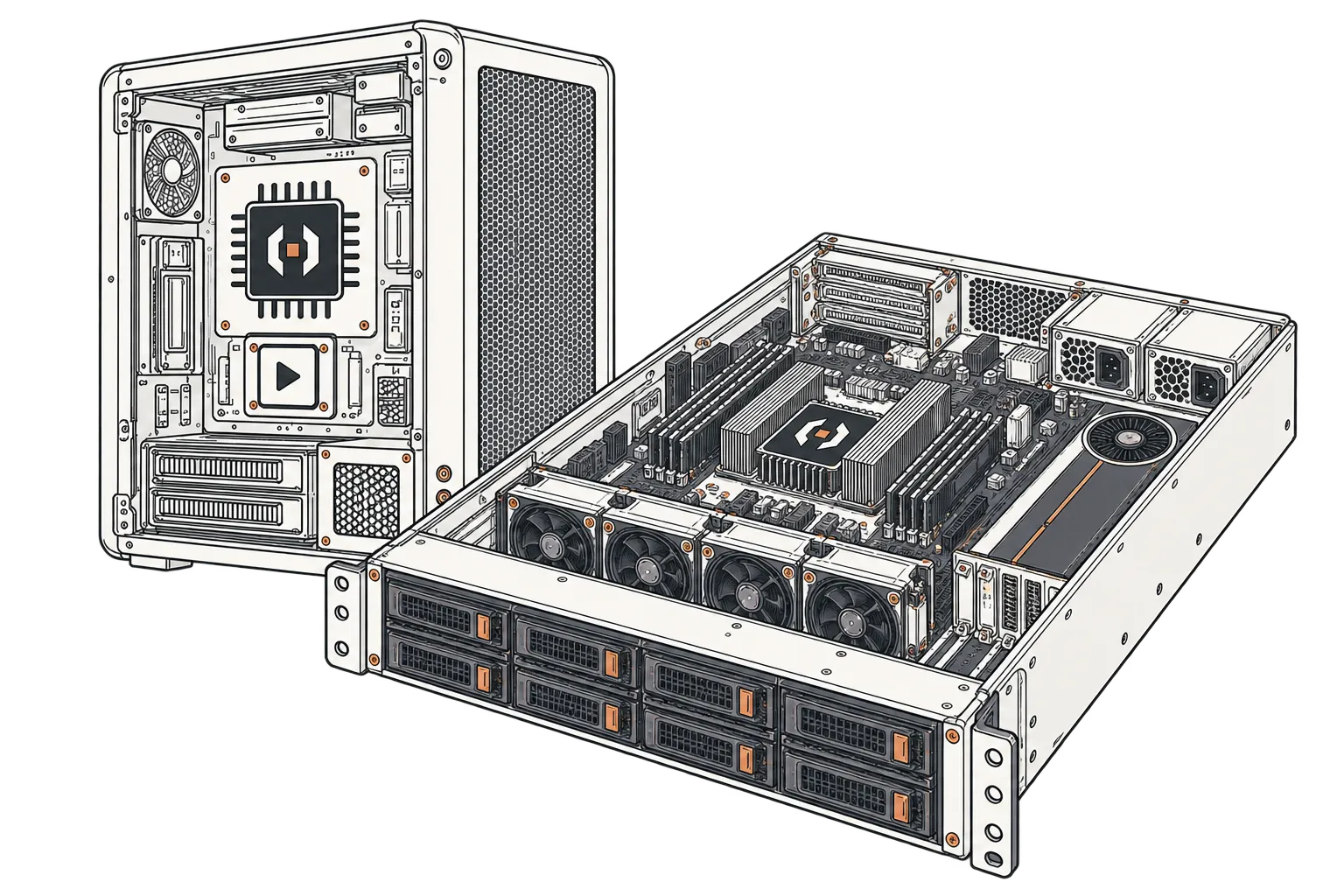
Register model files, manage downloads and keep variants and capability information organized.
Save GPU placement, context and concurrency. Start, observe and drain supported model services.
Connect your applications with scoped inference tokens and clear endpoint details.
FROM MODEL TO CLIENT
Add a supported model from your mounted storage or download a model file.
Choose the engine, GPU placement, context and concurrency.
Bring the profile online and check readiness and logs.
Create a scoped API token and use the connection details.
CAPABILITIES, CLEARLY DEFINED
Model and GPU compatibility depends on the runtime, recipe, architecture, format and available memory.
RUNTIME COMPATIBILITY
Choose a compatible engine and recipe for the model and hardware you actually have.
YOUR FIRST NODE
Start with the host, runtime and access requirements.
BEFORE YOU START
Helm Node manages model services on one machine. Helm Fleet provides a separate read-only view of enrollment, licensing capacity and audit activity. Fleet-wide orchestration is planned.
Compatibility depends on the runtime, recipe, architecture, format, quantization and memory. Registering a model does not establish that it will run on your hardware.
Use the Connections view to find the shared or profile-specific inference URL, then create a token with the required scopes. Supported API behavior depends on the runtime and model.
View the current Helm Node interface, captured locally with sample data. The application has its own release cycle.